
Getting paid faster with Stripe
Connecting Stripe turns every invoice into a payable link. Here is how it works and how long payouts take.
The slowest part of contracting isn't the work. It's waiting to get paid. Connecting Stripe to QuoteQuick turns every invoice you send into a one-tap payment link, and the money lands in your bank account directly.
Why Stripe
We use Stripe because it's the same infrastructure used by businesses like Shopify and Instacart, and because it pays out directly to your bank account rather than sitting in a third-party wallet. QuoteQuick never touches the money. It goes from your customer to your bank.
Connecting your account
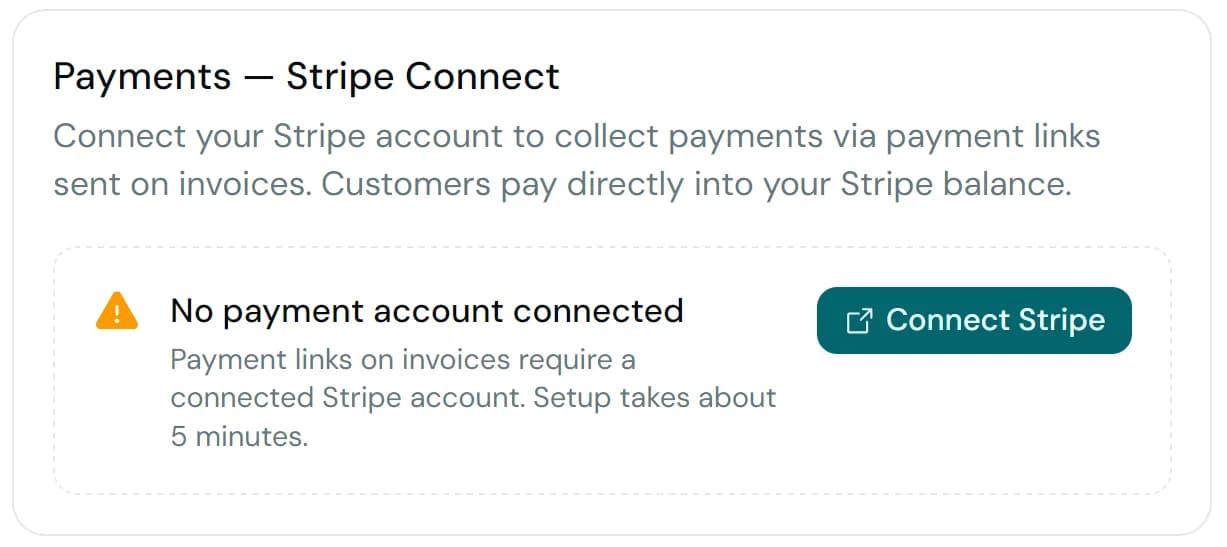
Open Settings → Payments and click Connect Stripe. Stripe will walk you through a short onboarding flow: business details, tax info, and a bank account for payouts. Most contractors complete this in under ten minutes.
What Stripe asks for
- Business legal name and address
- Tax ID (SIN or business number in Canada)
- Bank account for payouts
- A photo of government ID for identity verification
This is standard "Know Your Customer" (KYC) info. Every payment processor asks for it. Your data goes directly to Stripe. QuoteQuick never sees or stores any of it.
How invoices work once you're connected
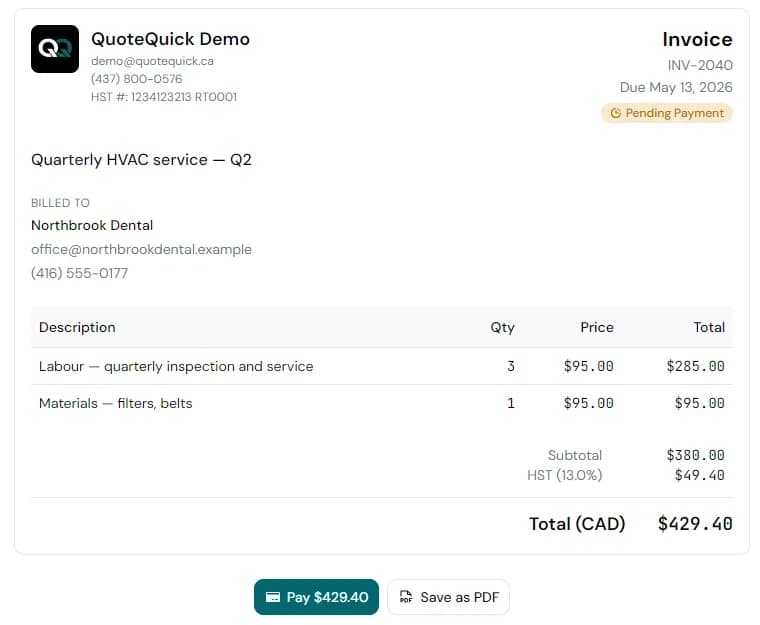
Every invoice you send will automatically include a Pay now button. Your customer clicks it, enters their card details on a Stripe-hosted page, and the payment is captured instantly.
Payout timing
Stripe pays you out on a daily rolling schedule. Every business day, the funds that have cleared land in your bank account. The standard clearing time for Canadian accounts is two business days, so a customer who pays on Monday morning typically shows up in your bank account on Wednesday. You can see upcoming and past payouts in your Stripe dashboard, and you can switch to a weekly or monthly schedule there if you prefer.
Fees
Stripe's standard card processing fee is 2.9% + 30¢ per transaction in Canada. QuoteQuick does not add any markup on top. You see the same rate you'd get signing up to Stripe directly.
What if I already use Stripe?
If you already have a Stripe account, the connect flow will link it rather than create a new one. Your existing payout schedule, fees, and bank settings stay exactly as they are.